Freitag, 20.9.2019, 14.30 Uhr
Saarbrücken, Landwehrplatz
Ich fahre mit dem Fahrrad hin.
Was machst du?
Unstrukturierte Gedanken

Freitag, 20.9.2019, 14.30 Uhr
Saarbrücken, Landwehrplatz
Ich fahre mit dem Fahrrad hin.
Was machst du?
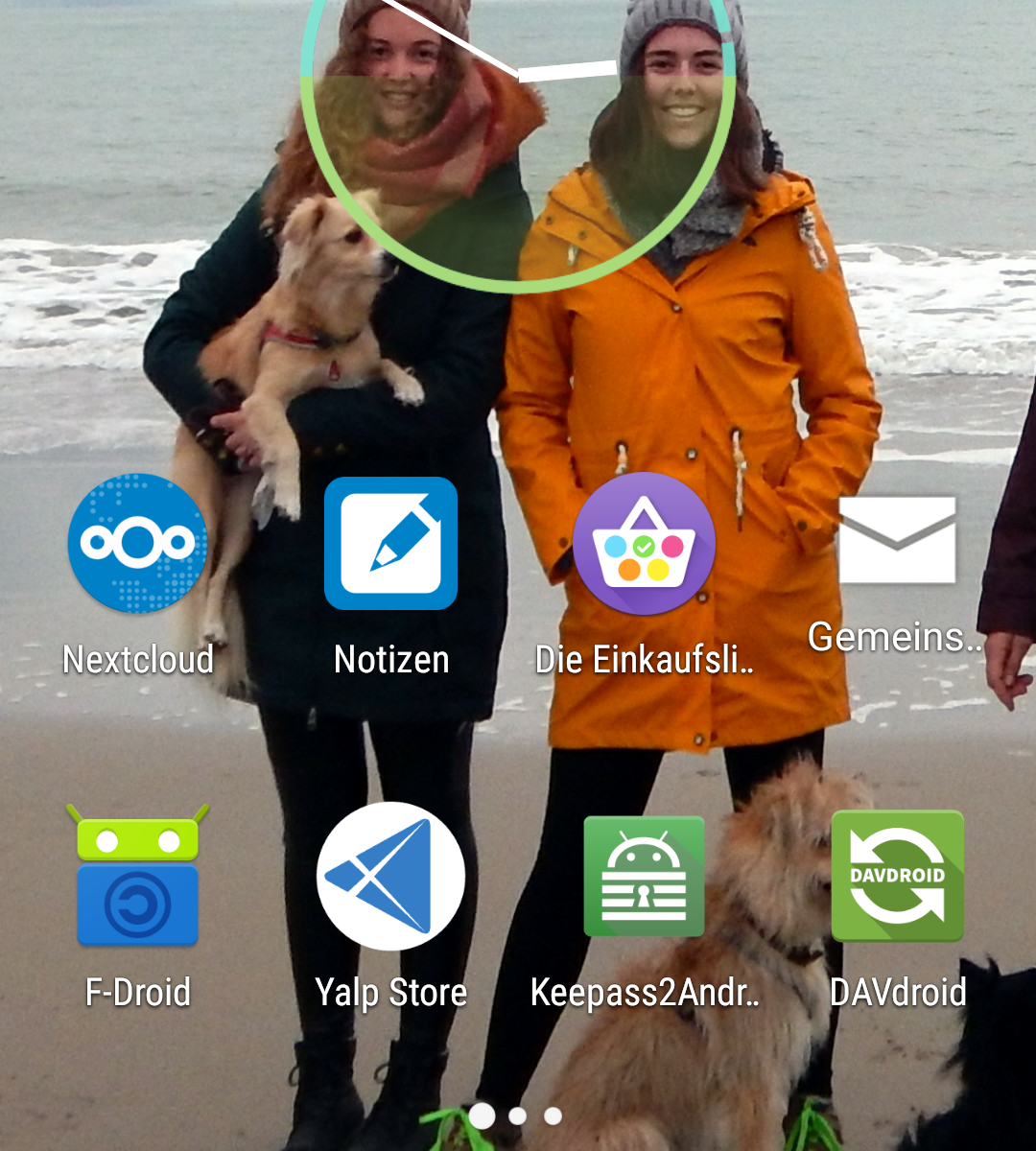
Seit letztes Jahr besitze ich ein Fairphone 2. Es hat mein Fairphone 1 nach 3 1/2 Jahren Nutzung ersetzt und ich mag es sehr. Es hat alles, was ich mir von einem Handy wünsche: Akku tauschbar, SD-Kartenslot, 2 Simkarten, leicht reparierbar, aufrüstbar (Kamera). Zu Anfang habe ich das FairphoneOS genutzt, später bin ich dann zu FairphoneOpen gewechselt und noch später habe ich LineageOS ausprobiert, mittlerweile nutze ich das auch, allerdings in der microG-Version: Die G**gle-Dienste sind gar nicht installiert und werden weitgehende durch microG ersetzt. Feine Sache.
Das waren in kurzer Zeit 4 verschiedene auf Android basierende Systeme. Aber es geht noch mehr. Zwischenzeitlich habe ich SailfishOS und UBPorts getestet. Beides sind Linux-Systeme. Sailfish stammt vom ursprünglich für Nokia entwickelten Maemo ab, UBPort ist die Community-Fortführung von Ubuntu Touch. Beiden gemeinsam ist, dass sie wegen der Gerätetreiber einen Android-Unterbau benötigen. Es gibt für Handys kaum freie Treiber. Und beiden gemeinsam ist, dass die Anzahl der verfügbaren Apps überschaubar ist. So manche App, die mir persönlich wichtig ist, fehlt ganz einfach. Auch die Kalender- und Kontaktsynchronisation ist noch nicht perfekt, erst recht nicht die dazugehörigen Apps. Aber es lässt sich damit arbeiten und beide Systeme unterstützen die neuen Hardwaremodule fürs Fairphone 2. Damit bin ich dann auf insgesamt 6 verschiedenen Systemen.
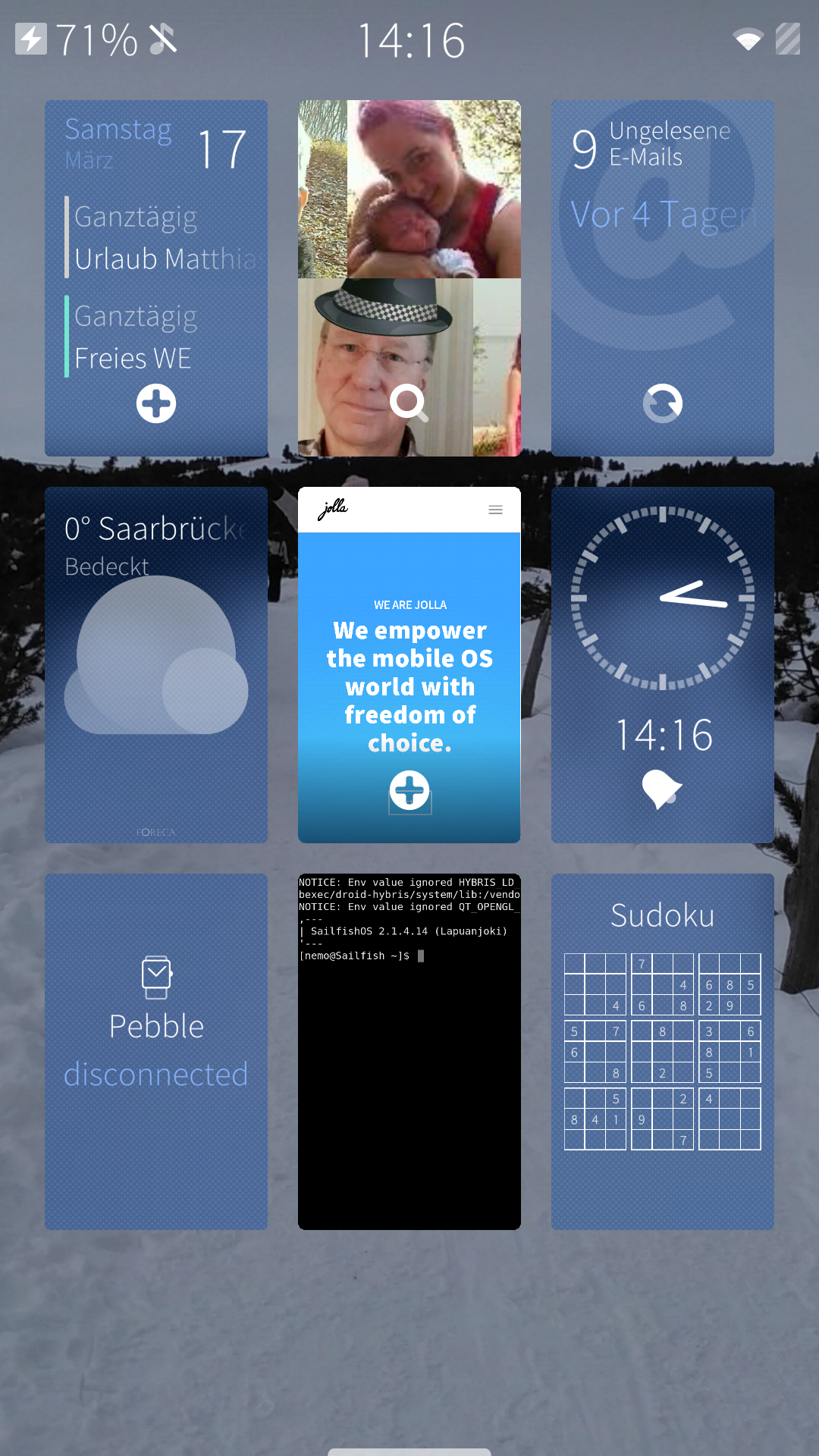
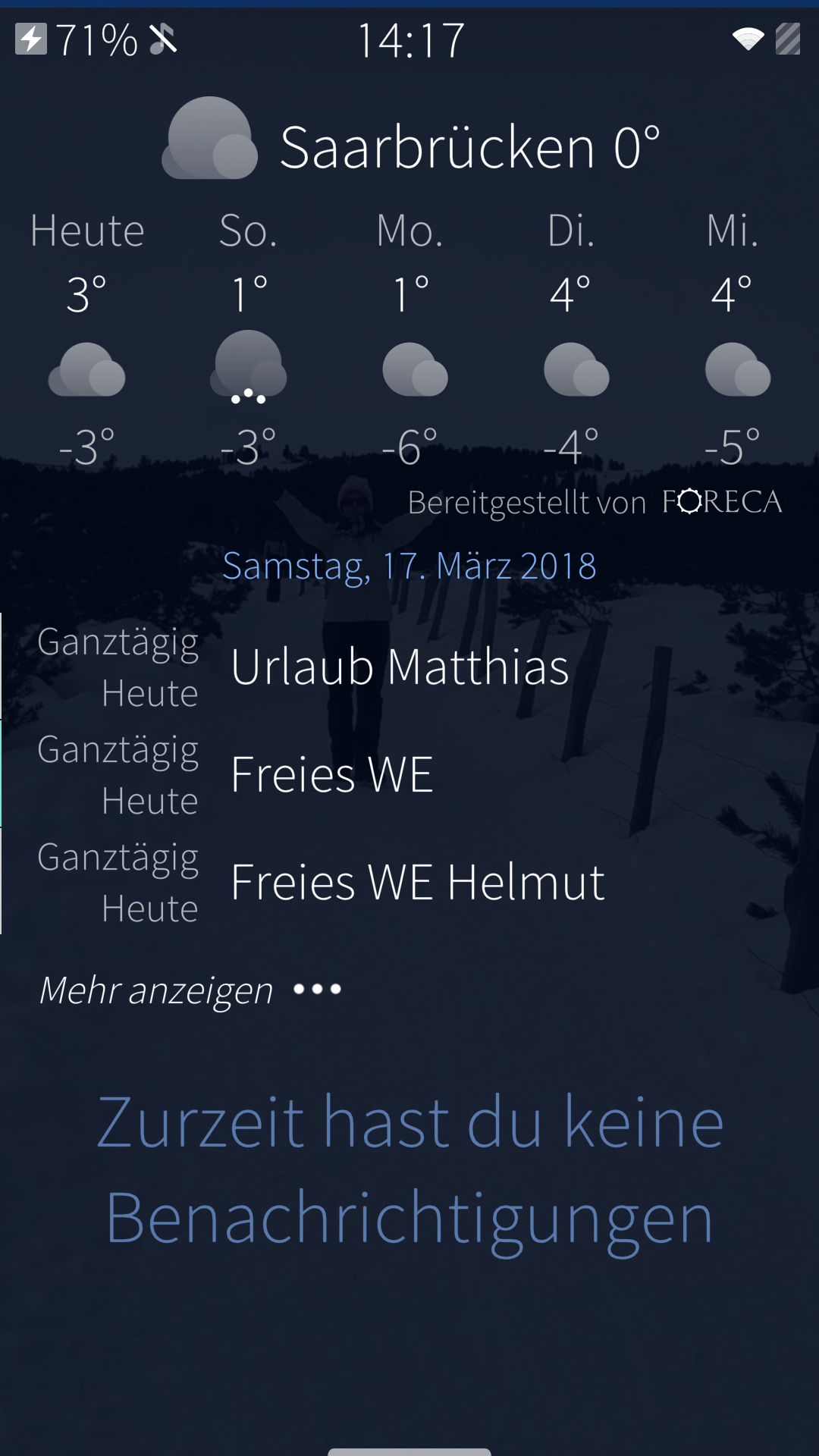
Zum Teil sehen sie ganz unterschiedlich aus, auch die Bedienung unterscheidet sich (besonders natürlich bei den letzten beiden Systemen). Mein persönlicher Eindruck: UBPorts ist in heftiger Entwicklung und mausert sich immer mehr zum alltagstauglichen System. Selbst eine Unterstützung für Android-Apps ist mit Anbox in Arbeit, aber zur Zeit noch im Alpha-Stadium, d.h. nicht wirklich nutzbar und zudem nicht ausdrücklich für das Fairphone 2. SailfishOS ist meiner Meinung nach das schönste System auf dem Fairphone 2. Es sieht gut aus, es lässt sich prima bedienen, es macht einfach Spaß. Prinzipiell gibt es für SailfishOS eine Unterstützung für Android-Apps (Aliendalvik), aber leider nicht für das Fairphone 2. Vielleicht wird in Zukunft Anbox verfügbar sein. Aber das kann – wie bei UBPorts – noch dauern. Das System selbst läuft ziemlich rund und die Entwicklung geht langsam aber stetig weiter.
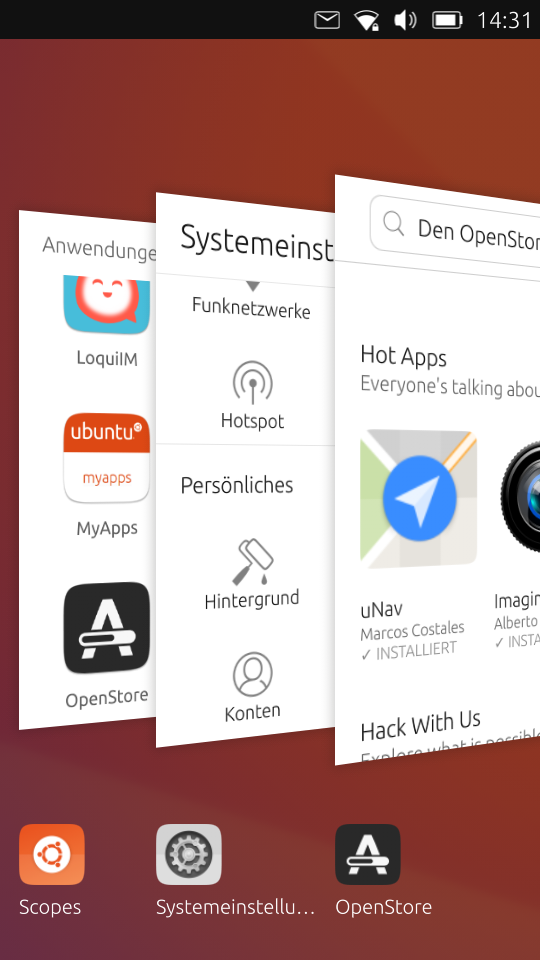
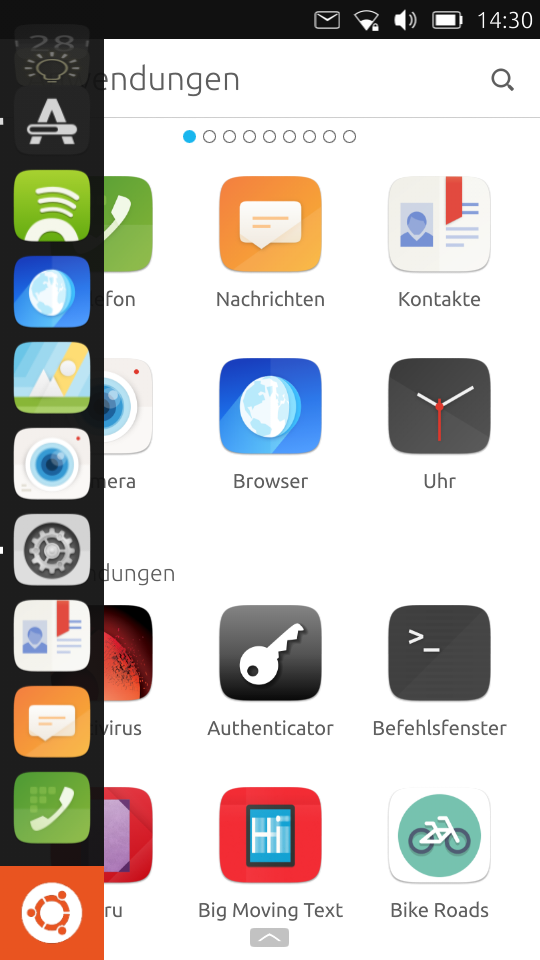
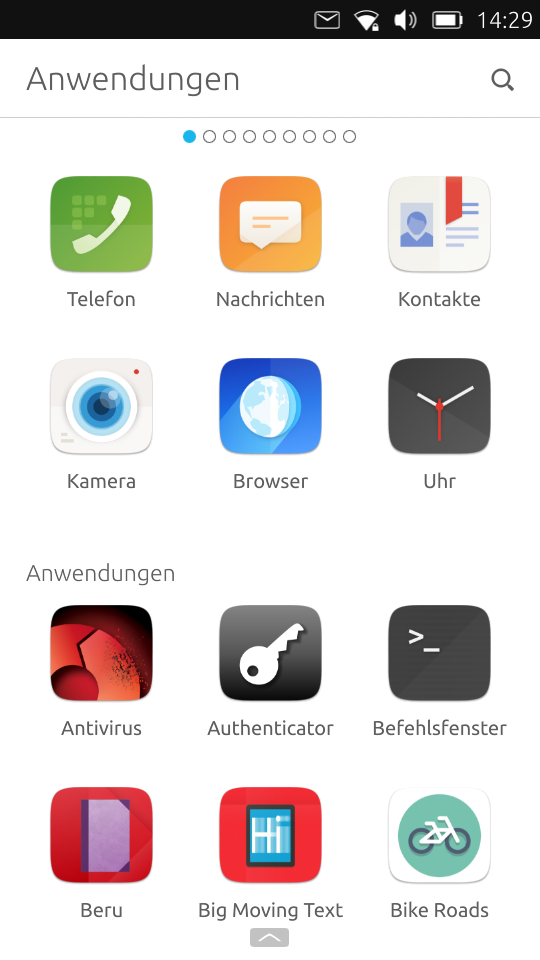
Ich habe SailfishOS eine Zeit lang genutzt, aber auf Dauer fehlen mir einzelne Android-Apps und so bin ich auf LineageOS mit microg zurück gewechselt. Ich werde SailfishOS aber weiterhin im Blick behalten, genauso wie UBPorts. Ich fände es toll, wenn ich eines davon im Alltag nutzen könnte.
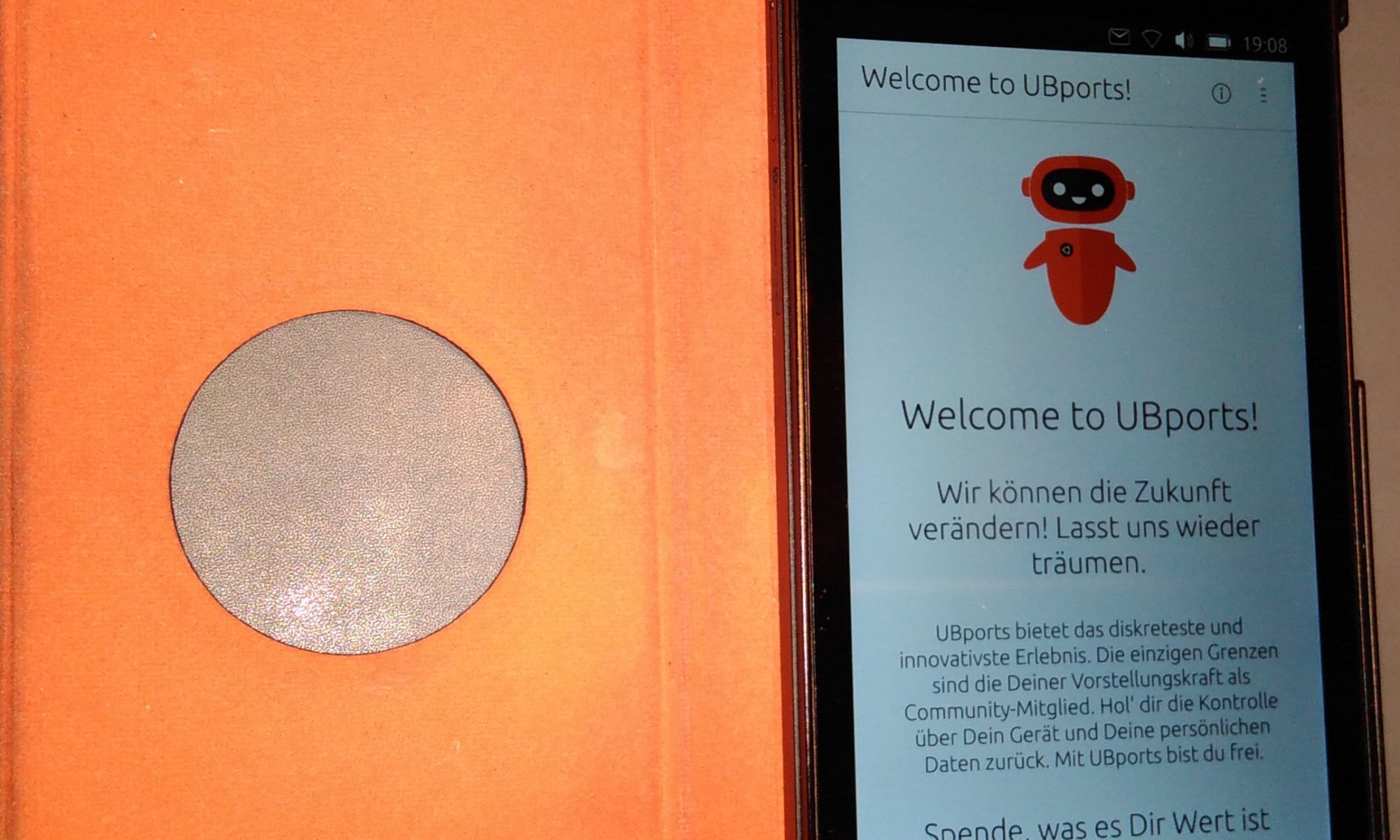
Alternative Betriebssystem für Handys interessieren mich schon lange. Wenn sie dann auch noch auf Linux basieren, dann finde ich das richtig interessant. Deshalb hatte ich mir Anfang 2015 das Ubuntu-Phone von BQ gekauft. Es war ein mittelmäßiges Telefon und für meine Zwecke noch nicht wirklich einsetzbar, dafür war der Kalender und das Adressbuch zu schlecht zu synchronisieren und es fehlten Kontaktmöglichkeiten zu Leuten, die keine Linux-Enthusiasten sind. Trotzdem fand ich das Handy interssant und das Konzept hat mir gefallen. Langsam gab es bei Apps und Kalender positive Entwicklungen und ich hoffte, dass die Sache irgendwann auch für mich alltagstauglich würde.
Dann hat Canonical in diesem Jahr das Ende von Ubuntu Touch verkündet und ich fragte mich, wie es wohl mit dem Handy weiter gehen würde: Fehlkauf oder macht die Communitiy was? Wieder eine Hoffnung auf ein freies Handybetriebssystem dahin?
Aber auf die Community ist Verlass. Mittlerweile gibt es UBPorts, ein Projekt, welches die Entwicklung der Ubuntu-Phones weiter trägt. Auf meinem BQ Aquaris E4.5 läuft es mittlerweile und immerhin bekomme ich jetzt wieder Sicherheitsupdates. Leider wird das System für mein einfaches Handy nicht mehr weiter voran getrieben, aber die Entwicklung bei den Apps kann ich schon noch mitmachen. So gibt es jetzt eine einfach einzurichtende caldav-Synchronisation für den Kalender und Web-Apps lassen sich sehr simpel auf der Basis einer Webseite erstellen.
Ich bin froh, dass es weiter geht und werde das Projekt weiter verfolgen. Besonders freut mich, dass es einen guten Port auf das Fairphone 2 gibt, wenn die Entwicklung gut weiter geht, werde ich den sicherlich auch mal ausprobieren.
In der letzten Zeit gab es ein großes Getue um tolle neue Smartphones. Apple preist seine Gesichtserkennung an, Samsung ein faltbares Display und alle wollen sie mit schlauen Assistenten das Leben leichter machen. Bei all dem Getöse frage ich mich, wann machen die Smartphone-Hersteller endlich ihre Hausaufgaben?
Wo ist das langlebige, leicht reparierbare Smartphone? Wo bleibt die lange Akkulaufzeit? Was ist mit Updates über viele Jahre, zumindest Sicherheitsupdates?
Stattdessen sind fast alle aktuellen Smartphones voll verklebt, Akkus können nicht mehr getauscht werden und Reparaturen kosten eine Menge Geld. Design steht ganz oben, aber nicht praktisches Design sondern nur tolles Aussehen. Damit das Smartphone länger hält, kauft der Nutzer dann eine Hülle. Da hätte man auch gleich ein stabileres Design machen können.
Also ich will nicht ständig das Handy wechseln um die neuesten Gimmicks zu haben. Ich bin froh, wenn alles ordentlich eingerichtet ist. Und die Assistenten sind mir zu neugierig. Ich will auch noch selbst Dinge entdecken und nicht alles vorgeschlagen bekommen.
Für mich ist die genialste Entwicklung in der letzten Zeit das Fairphone 2. Das lässt sich tatsächlich auseinander nehmen und selbst reparieren. Ersatzteile gibt es direkt beim Hersteller zu vernünftigen Preisen. Natürlich kann ich den Akku selbst tauschen. Ich kann das Handy auch ohne Google- Dienste benutzen und muss diesem Konzern nicht alles verraten. Und bei der 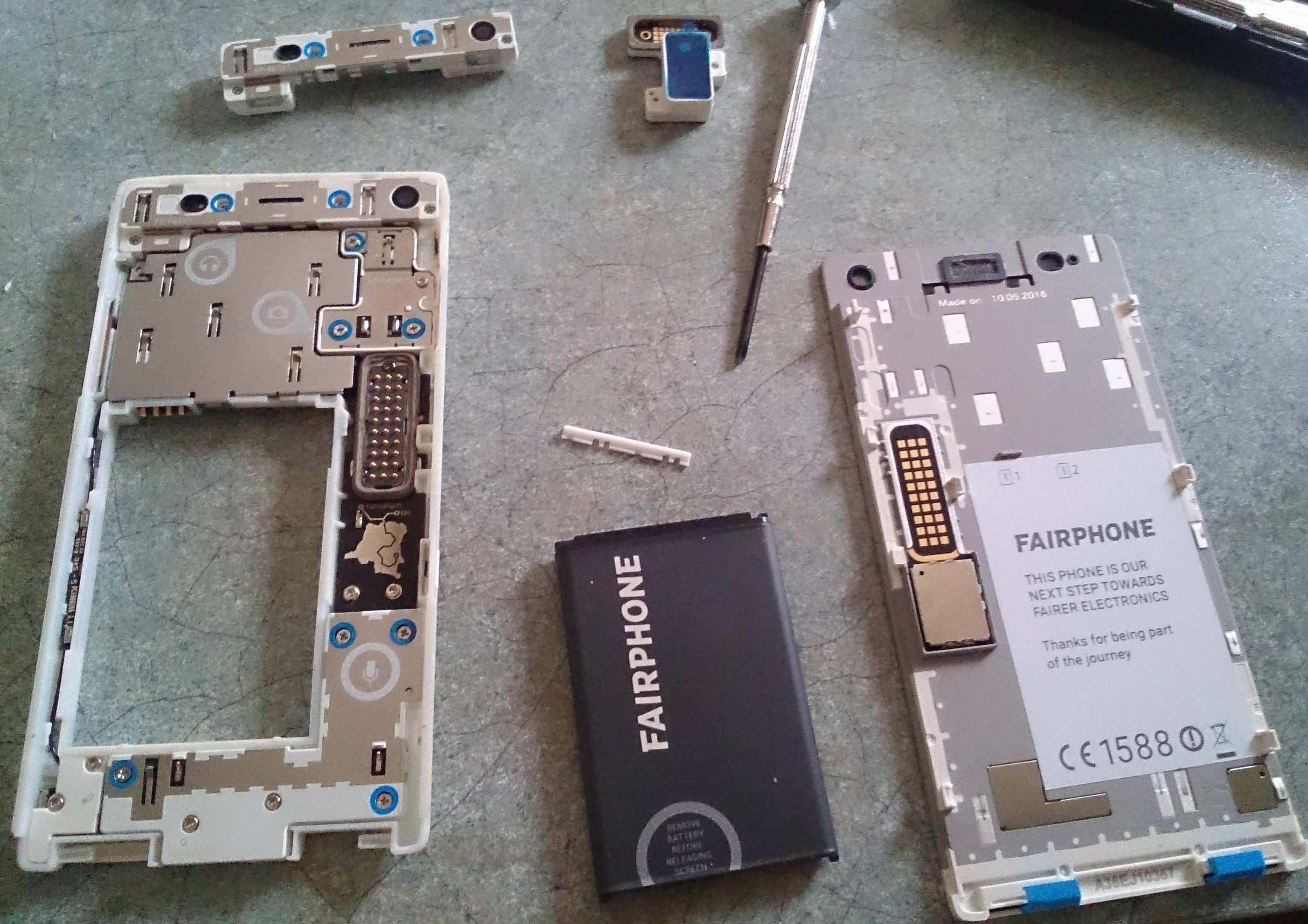 Produktion wird überprüfbar darauf geachtet, dass die Rohstoffe möglichst nicht aus Konfliktgebieten kommen und dass die Arbeiterinnen einigermaßen faire Arbeitsbedingungen haben. Leider ist das nur ein kleiner Hersteller und er hat mit den typischen Problemen kleiner Hersteller zu kämpfen. Es läuft nicht immer alles rund, es sind nicht immer alle Ersatzteile da und für die Langzeitunterstützung ist man auf die großen Kompon entenhersteller angewiesen.
Aber es ist ein Schritt in die richtige Richtung. Und man ist dort mit den Nutzern im Kontakt und kennt ihre Wünsche. So gibt es seit Kurzem eine bessere Kamera, die man gegen die ursprünglich verbaute Kamera tauschen kann. Das ist doch mal ein Fortschritt!
Jetzt ist es eingerichtet. Mein erstes Blog. Bis jetzt war alles ganz einfach. Mal sehen, wie es weiter geht…